
Memory Page
Overview
The Memory page is the standard place to manage Ghast AI's long-term context. This page explains what it is best used for, what to check first when opening it, and why it should not be treated like an ordinary workspace file view.
What this page is for
For most users, the Memory page primarily supports three tasks:
- Review the current core memory content.
- Import or export long-term memory.
- Confirm whether memory status and synchronization appear healthy.
The page looks like this:
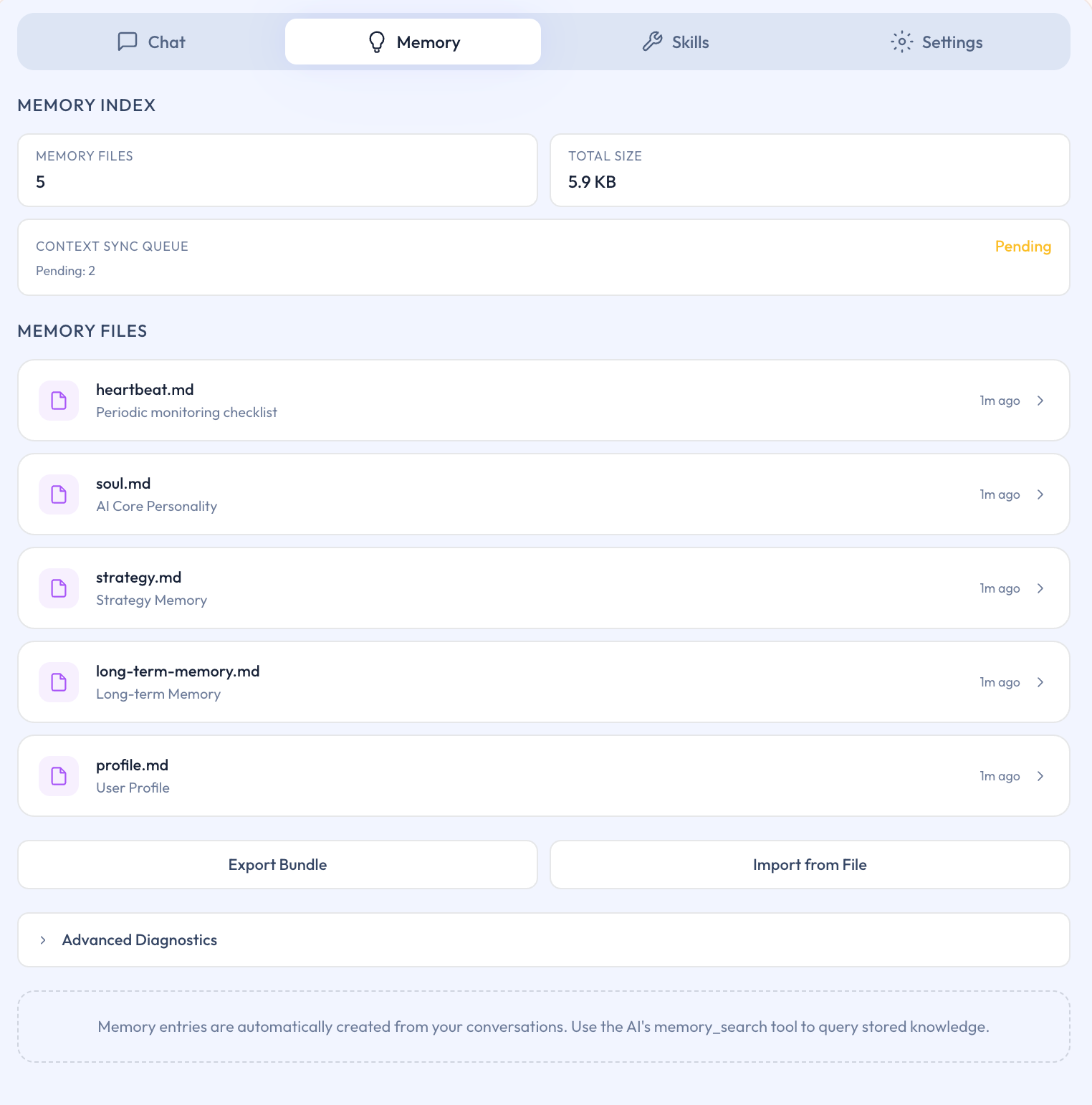
Figure: Memory page
It is better understood as a long-term context management page, not as a general-purpose file browser.
What to check first
If this is your first time opening the page, focus on the basics first:
- Which core memories already exist
- Whether important information is being kept for long-term use
- Whether you actually need to import or export anything yet
The deeper sync, diff, or state indicators can wait until you are actively troubleshooting or handling a more advanced workflow.
Why this is not a workspace file page
The main distinction is simple:
- Workspace files belong to local directories that you explicitly connect.
- The Memory page manages Ghast AI's own long-term context layer.
That is why it has its own entry point instead of being treated as a normal workspace folder.
How to think about import, export, and sync
These actions are most useful in a few specific situations:
- You need to back up long-term memory.
- You need to migrate or restore part of the memory set.
- You are checking an unexpected sync or state issue.
For routine use, there is usually no need to operate on these controls frequently.
The Memory page is the primary place where Ghast AI manages long-term context. For most users, the right default is to use it for review, cleanup, and occasional import or export work, while leaving the deeper state indicators for troubleshooting or more advanced use.