
Settings Overview
Overview
Settings is the unified entry point for Ghast AI's main configuration and capability boundaries. This page explains what each category is responsible for and which sections deserve attention first.
How to interpret this page
Settings is not a single settings screen. It is the master directory for a set of formal configuration sections.
The page looks like this:
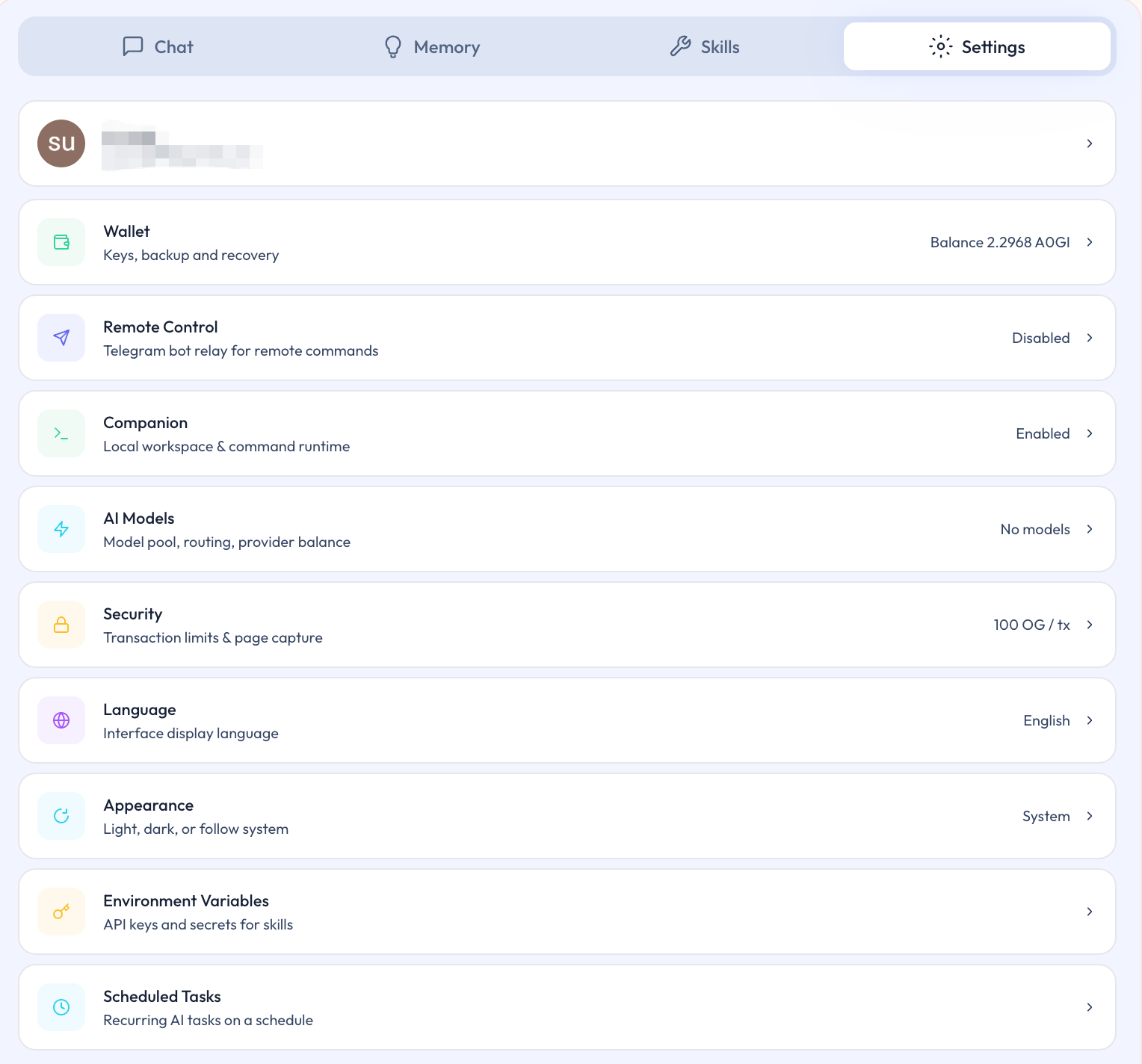
Figure: Settings overview page
For most users, the main value here is not to read every setting at once. The better approach is to enter the category that matches the actual task in front of you.
What to review first
For most users, the first pass through Settings should prioritize these three categories:
- Wallet
- AI Models
- Companion
These three areas most directly determine whether Ghast AI is ready for regular use.
How to read each category
| Category | How to interpret it |
|---|---|
| Wallet | Primary entry point for the local wallet |
| AI Models | Entry point for model choice and model funding |
| Companion | Entry point for local capabilities |
| Remote | Entry point for remote access workflows |
| Security | Entry point for safety boundaries and default protections |
| Language / Appearance | Language and display settings |
| Env Vars | Deeper settings tied to advanced local capabilities |
| Scheduled Tasks | Entry point for scheduled tasks and heartbeat behavior |
Why you do not need everything at once
Not every setting carries the same priority on day one. A steadier approach is:
- Resolve the settings that directly affect current use.
- Complete wallet, model, and Companion setup first.
- Only then move into remote access, scheduled tasks, or deeper local controls when those workflows actually matter.
Settings is the unified control surface for Ghast AI. For most users, the right order is to start with Wallet, AI Models, and Companion, then expand into the other categories only when your workflow clearly requires them.