Chat, build, and collaborate with AI in one desktop client.
The desktop edition of Ghast Workbench brings Chat, local-project work in Coding, and multi-agent collaboration in Team into one desktop client. Start with a conversation, then add a workspace, Tools, Skills, or external connections when the task needs them.
Product names: Ghast Workbench is the product name used on the website. Desktop installer filenames use Ghast Desktop; the installed application is Ghast AI. These guides cover the desktop client. The Chrome extension has a separate feature set.
Choose a way to work
Start each task in the right surface
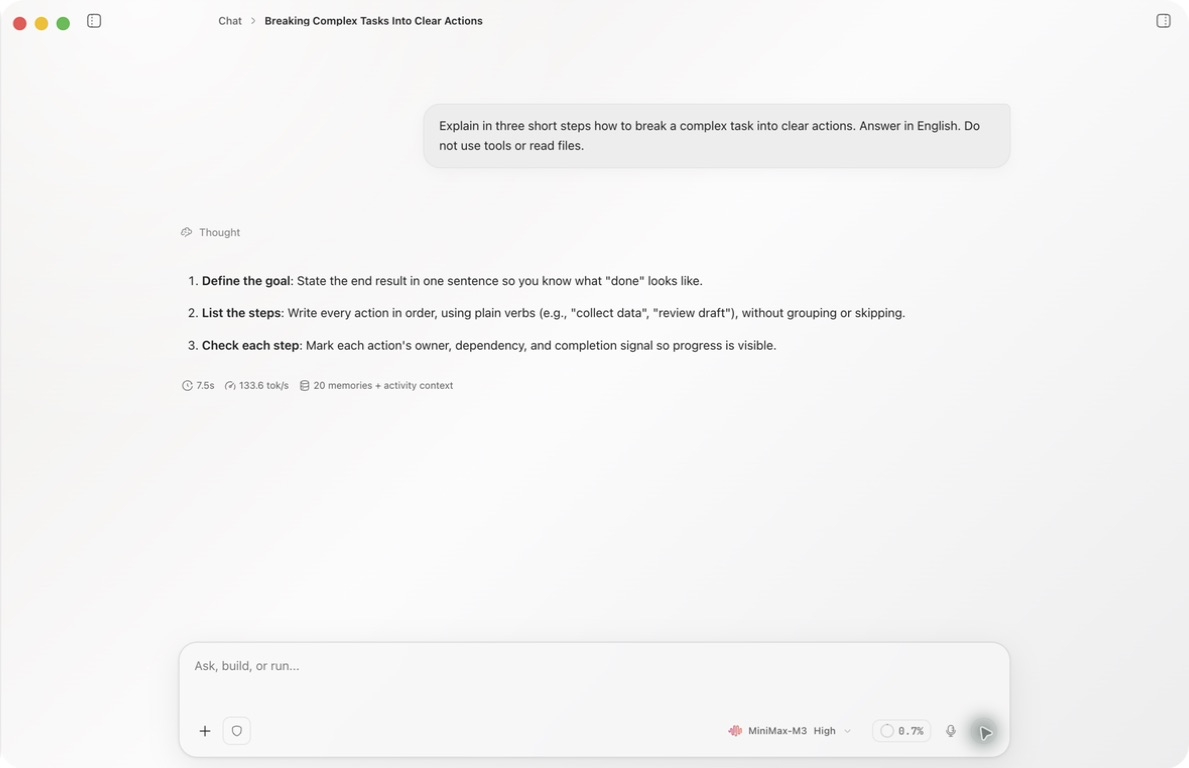
Chat, Coding, and Team do not expose exactly the same controls. Keep ordinary questions in Chat, use Coding for ongoing work in a local directory, and open Team when several agents need to divide, hand off, and review work. Workspace, Tool, Skill, and command-authorization controls appear where they apply; the permissions selected or approved in the interface remain authoritative.
Your first session
- Install the client using System requirements and installation.
- Complete sign-in, wallet, and initial setup in First launch.
- Configure 0G Compute and verify the provider and key state.
- Review the inference account and fund it if needed.
- Enable, test, and select a model.
- Follow Quickstart to send the first message, then tour the client.
- Move to Coding for local project work, or Team when the work needs several agents.
If something fails, start with Common problems.