Plan and side conversation
Plan shows the latest TodoWrite steps and state recorded for the main task. Side conversation answers a related question using a limited text snapshot. Both appear in the workspace panel, but neither replaces final verification in the main conversation.
Plan panel
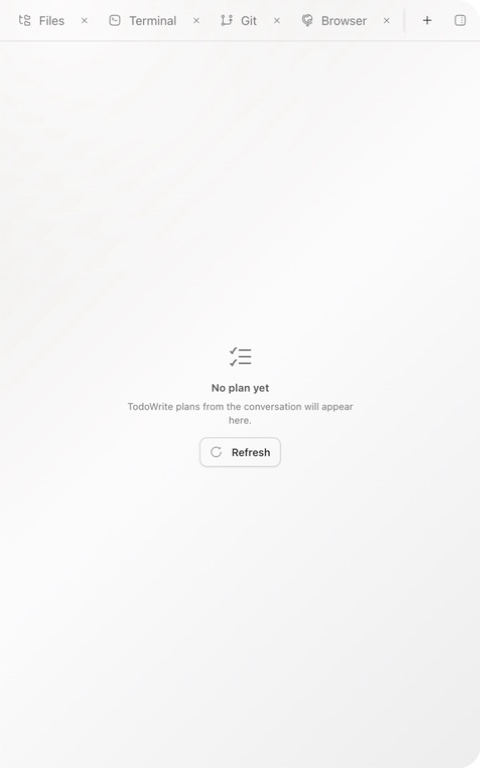
Choose New tab → Plan. Ghast scans assistant messages backward from the end of the conversation and displays the newest part with usable TodoWrite data. If one message contains several TodoWrite calls, the last one wins. A newer plain-text reply does not clear the recorded plan.
If the panel says No plan yet:
- Ask the agent to create and maintain a plan with TodoWrite in the main conversation.
- Select Refresh after the run begins.
- If it stays empty, the conversation has no usable TodoWrite data; use the written steps in the conversation instead.
Natural-language plans, Markdown task lists, and numbered lists do not populate the panel by themselves. A completed item is only TodoWrite workflow state, not proof that checks passed, code was committed, a remote changed, or external acceptance finished.
Open a side conversation
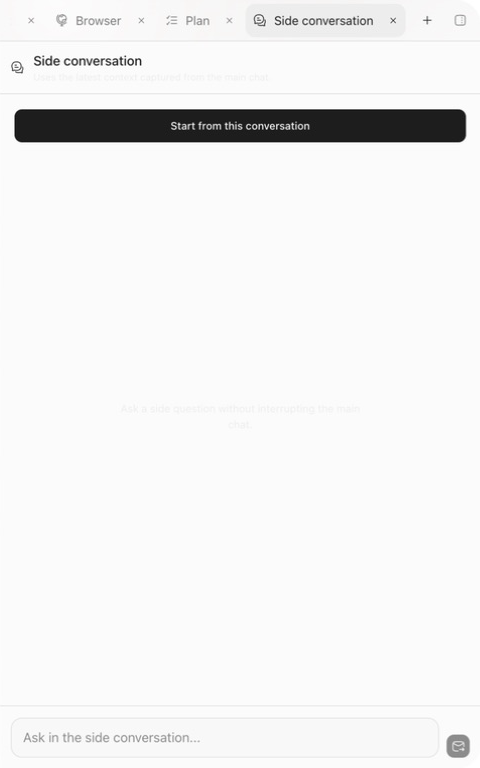
On an applicable main-conversation message, choose More actions → Open side conversation. You can also choose New tab → Side conversation; when none exists yet, that entry starts from the last message in the main conversation.
Use a side conversation to explain an error, compare implementation directions, reduce long output to a checklist, or ask something that should not change task state. Tools, MCP, and code assistance are disabled, so it cannot read new files, run commands, or edit the workspace directly.
Context included in the snapshot
The selected message identifies the launch source, but the reference snapshot is built from the latest tail of the main conversation when the side conversation is created. It includes at most 12 messages and 6,000 characters. Older material is omitted. If you click an earlier message, the snapshot can also include content that appeared after it.
Inspect the latest part of the main conversation first. Do not assume that the snapshot contains only text near the selected message.
The side conversation does not write answers back to the main conversation or update its plan. When you accept a conclusion, send the final decision and constraints to the main conversation explicitly. Closing the panel only closes the parallel view; it does not reverse any action.