Review and inline diffs
Coding provides several change views. An inline diff shows the change captured by one edit card. Review handles agent changes it captured. Files shows current complete content. Git shows worktree state.
Inline diff in the conversation
When the conversation shows Edited files, select it to expand the recorded change.
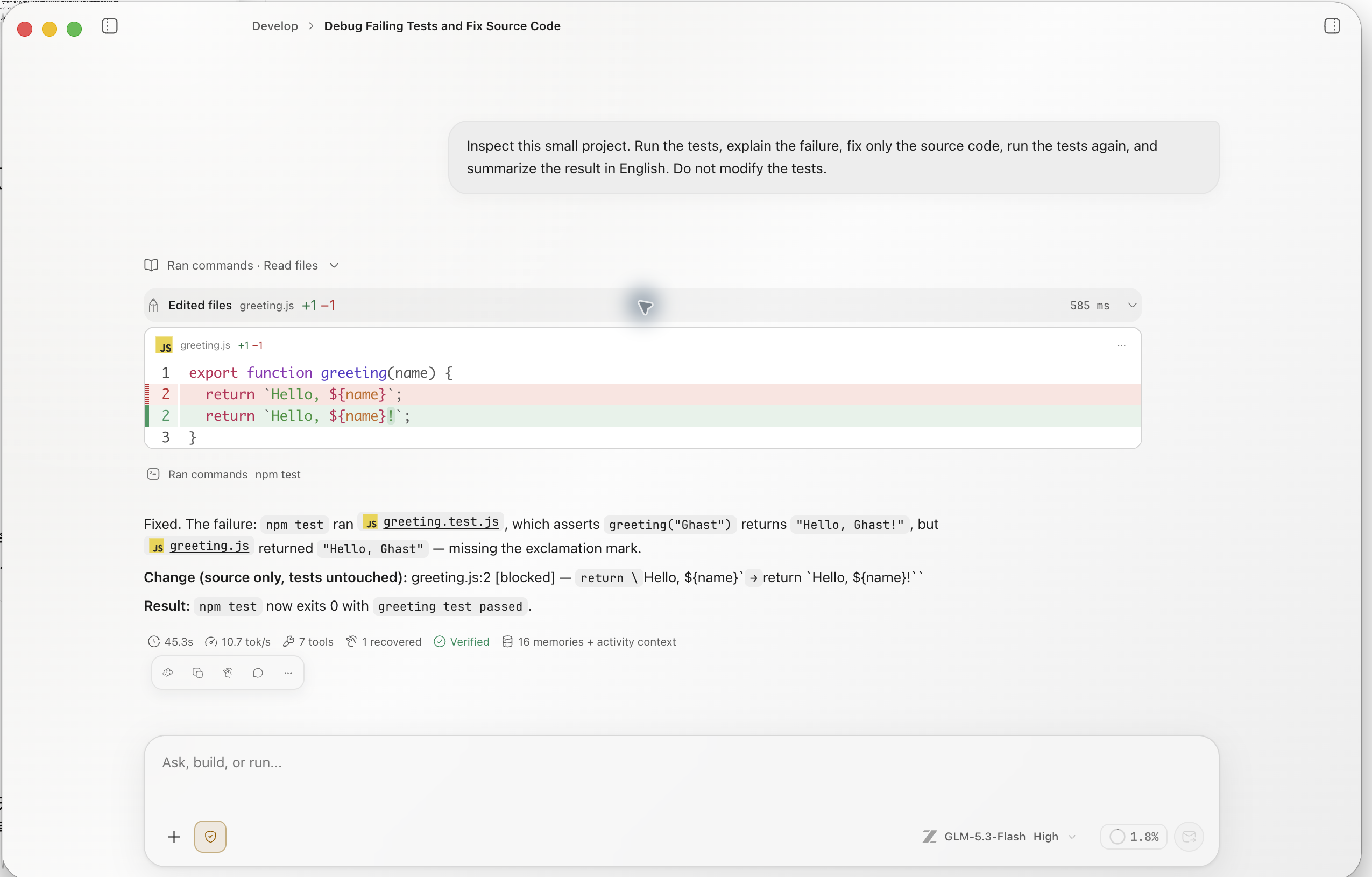
- Confirm that the file is allowed by the request.
- Compare the
+and−counts with the expected size of the change. - Expand every changed file and inspect red and green lines.
- Look for accidental edits to configuration, lockfiles, or generated files.
- For important files, use the Files panel to inspect the complete post-change content.
Review panel
Open Workspace panel → New tab → Review. The panel can handle captured agent changes by file or hunk:
| Action | Result |
|---|---|
| Accept | Keep the current agent result; it does not write the file again |
| Reject | Restore the target to its content before that change |
| Undo | Undo the accepted or applied change |
| Reapply | Restore the post-change result after an undo |
Before an action, confirm that you or another process has not changed the file since Review captured it. Reject, Undo, and Reapply compare current content with the recorded state; a mismatch makes the action fail, so refresh and inspect again instead of forcing an overwrite. Accept does not perform that content-match check. A successful Accept updates the record but does not prove that the current file still matches the captured result; verify the file or Git diff.
Review handles only change records it recognizes. It is not a complete git status and does not mean a file is staged or committed.
When Review says there are no changes
If Review shows No file changes / Generated file changes will appear here, select Refresh. When the inline diff or Git still shows a change, use those views. An empty Review panel does not mean the worktree is clean.
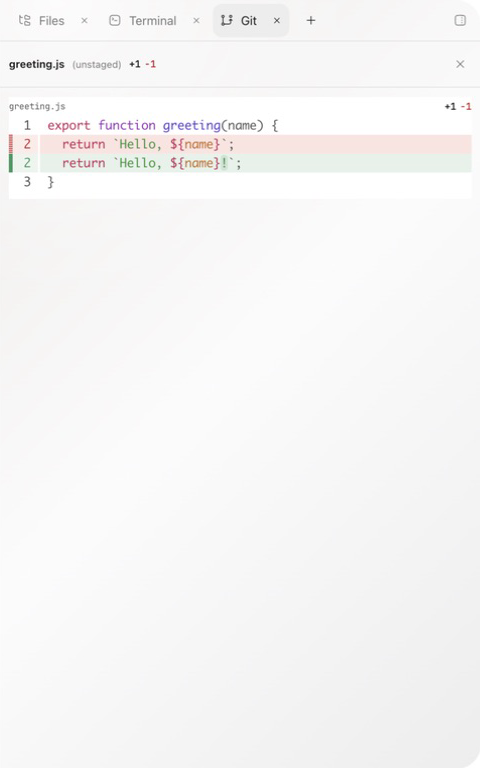
Four-step review
- Inline diff: what this edit card recorded.
- Review: whether to keep or restore a captured agent change.
- Files: whether the complete changed file remains coherent.
- Git: which files are now staged, unstaged, or conflicted.
When a change exceeds scope, stop the next run and identify the file explicitly. Use Reject, Undo, or Discard only after confirming the content is not pre-existing work.